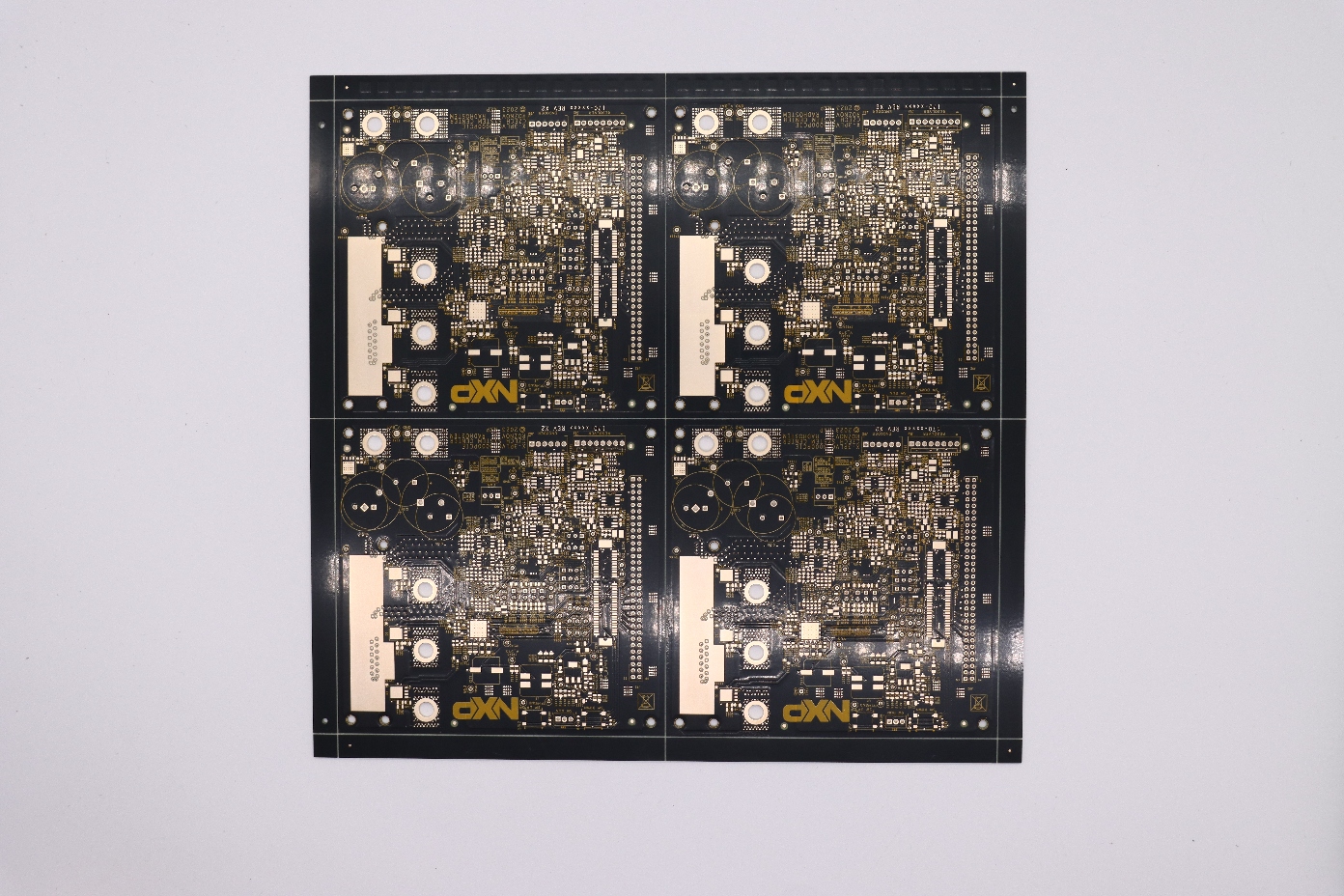
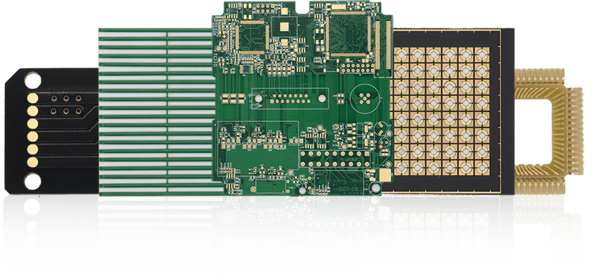
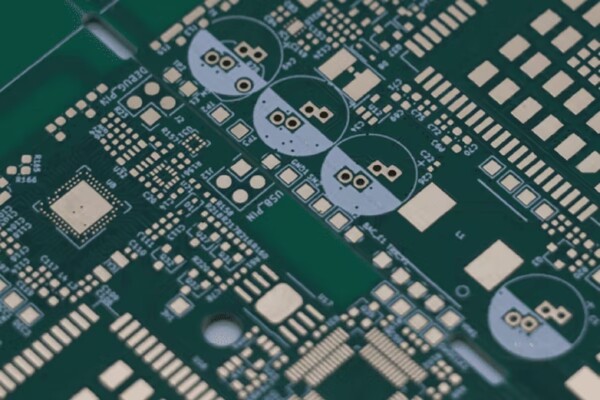
PCBgogo provides a free online Gerber & PCB viewer to preview Gerber, ODB++, and Excellon drill files before production. No login required. In just three steps, you can view PCB layers, trace widths, clearances, dimensions, and drill holes directly in your browser. Once your design checks out, submit your files for a DFM check and get an instant PCB or PCBA quote.
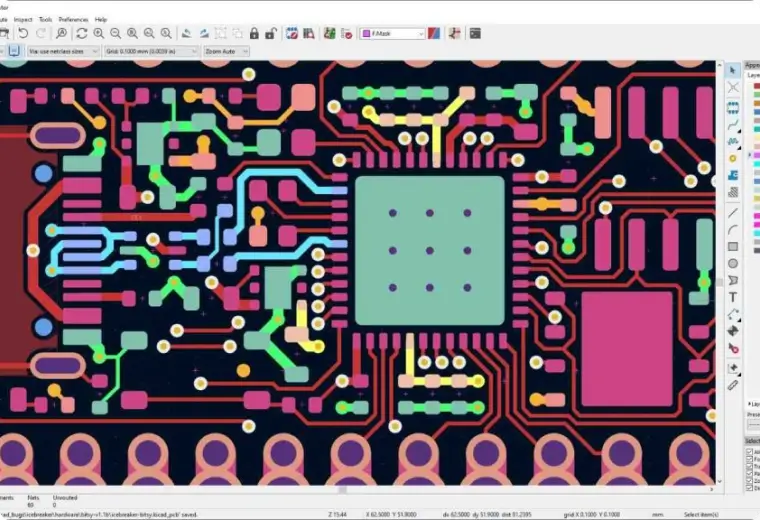

Export Gerber & Excellon drill files from your PCB design tool. Zip the full set of layer files into one package.

Select the ZIP archive from your device and upload it to the online Gerber file viewer. Once processed, your PCB files and available layers will appear in the viewing window.

Turn individual layers on or off, zoom in on detailed areas, and switch between the top and bottom views. Review the copper, solder mask, silkscreen, and drill layers to confirm that your files are displayed as expected.
Review your PCB files in online Gerber file viewer, then use the same file package to request a DFM review and an instant PCB or PCBA quote. Our engineering team is available to help with file format questions and potential manufacturing concerns before you place your order.
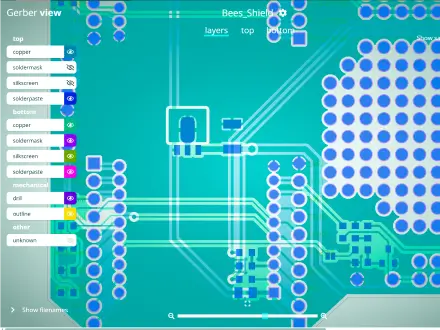
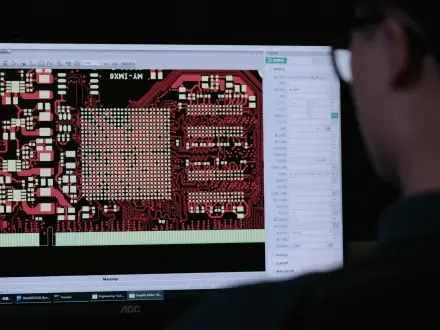

Make sure all required copper, solder mask, silkscreen, and drill layers are present and displayed as expected. You should also check the layer orientation, drill alignment, text placement, and any details that could affect manufacturing.
Export the Gerber and Excellon drill files from your PCB design software, place them in a single ZIP archive, and upload the archive to PCBgogo’s online Gerber viewer. The available PCB layers will then appear in the viewing window. No installation is involved.
Usually the archive contains no recognisable Gerber layers, or contains two competing data sets at once. Package one production data set per upload and use your EDA tool's standard file extensions.
The Excellon drill file, the board outline layer, or both were left out of the archive. Re-export and confirm the ZIP includes drills and the mechanical outline.
We treat all design data strictly confidential. Your PCB files will never be shared with third parties. Temporary uploaded files are automatically purged after your session.

 日本語
日本語
 한국어
한국어