I****rus
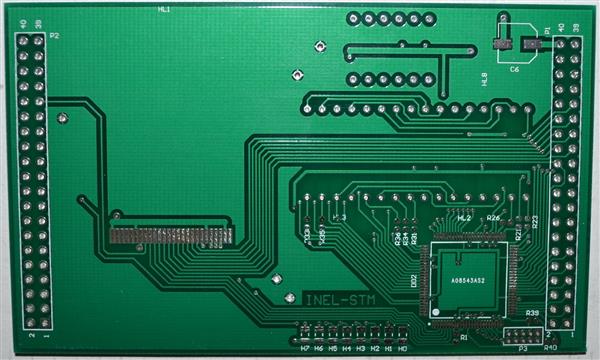
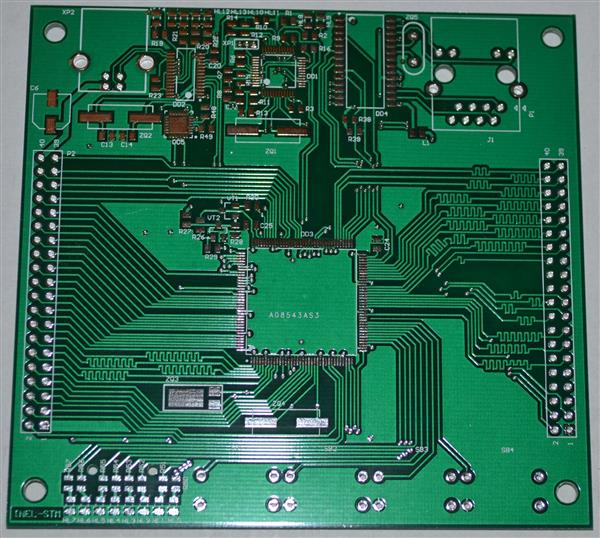
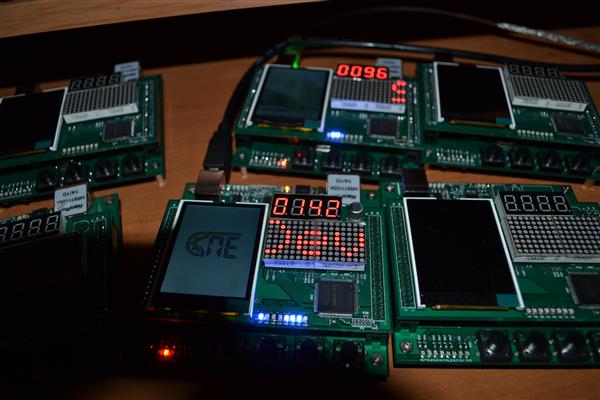
STM32F4 education board
2383
2
Jun 10.2016, 04:02:10
STM32F4 education board
- STM32F4
- Ethernet
- USB
- UART
- TF Card
- I8080 TFT 320x240
- MAX II CPLD
- LED matrix LED
-
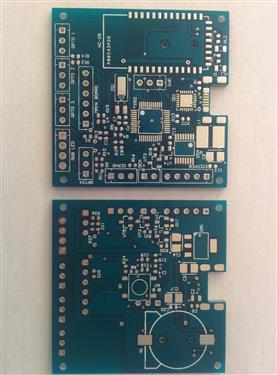
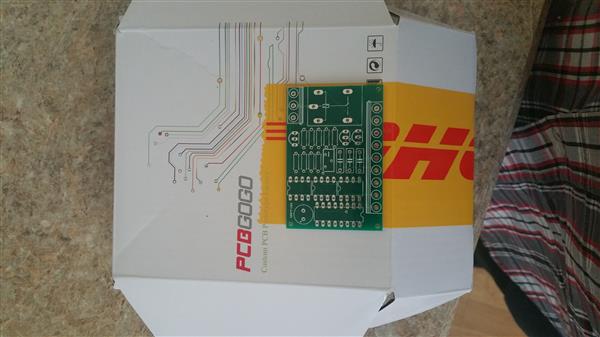
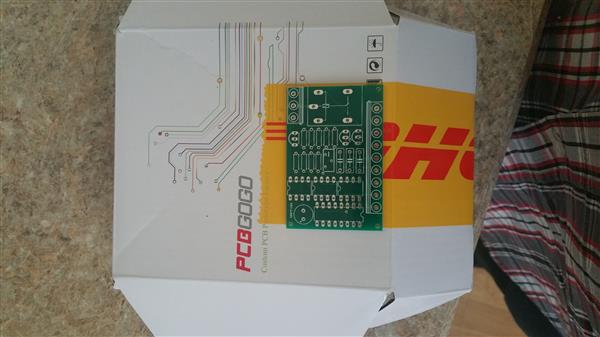
BLE STM32 boardBLE STM32 board - BLE - USB - Stepper motor - Servo motor - DC motor2256 0 Jun 10.2016, 03:33:58 -
double clapperit is supposed to eventually be part of a light switch2080 0 Jun 09.2016, 09:32:23 -
clapperit is supposed to be part of a light-switch eventually2322 0 Jun 09.2016, 06:18:33
- Comments(2)
Upload a photo:You can only upload 1 files in total. Each file cannot exceed 2MB.Supports JPG, JPEG, GIF, PNG, BMP

**
Jul 20.2026, 23:19:06
This board packs a lot for an educational tool. Ethernet, USB, TFT display, and a CPLD all in one. Good for learning real embedded work beyond basic blinky projects. The LED matrix is handy for quick status feedback. I sent some project notes via https://mfax.to/ to a mentor who still uses paper. Start with getting the USB serial working - it makes debugging everything else much easier.
**
Jul 20.2026, 21:55:15
That STM32F4 board brings back memories of my embedded systems course where we spent an entire semester trying to get a simple LED matrix to work. The combination of Ethernet, USB, and that I8080 TFT display makes this a solid platform for learning because you can actually see what your code is doing instead of just debugging through serial output. I remember the frustration of chasing down a memory corruption bug that turned out to be a misconfigured DMA channel, and the relief when it finally clicked. What I appreciate about boards like this is they force you to understand the hardware layer instead of just relying on high-level libraries. The CPLD inclusion is interesting too, since most hobbyist boards skip that complexity entirely. I had to send my final project schematics to a professor for review and used https://mfax.to/ because the department still operated on fax for official submissions, which felt hilariously outdated compared to the modern hardware we were working with. The LED matrix is a great way to visualize state changes without needing a debugger. If you're just starting out, focus on getting the UART working first, because being able to print debug messages will save you hours of head-scratching later.